
Creator Chronicles Town Layout & Auction House Guide
Lay out the village around visitor flow, production access and expansion instead of placing buildings only for looks.
Oct 30, 2026
Keep the Auction House entrance unblocked and reasonably close to the visitor route, group production buildings beside their inputs, and leave expansion corridors. Old Demo footage explicitly warns that a blocked or overly long Auction House route lowers village income; the latest updates also make Auction prices respond more dynamically to supply, purchases and sell-outs.
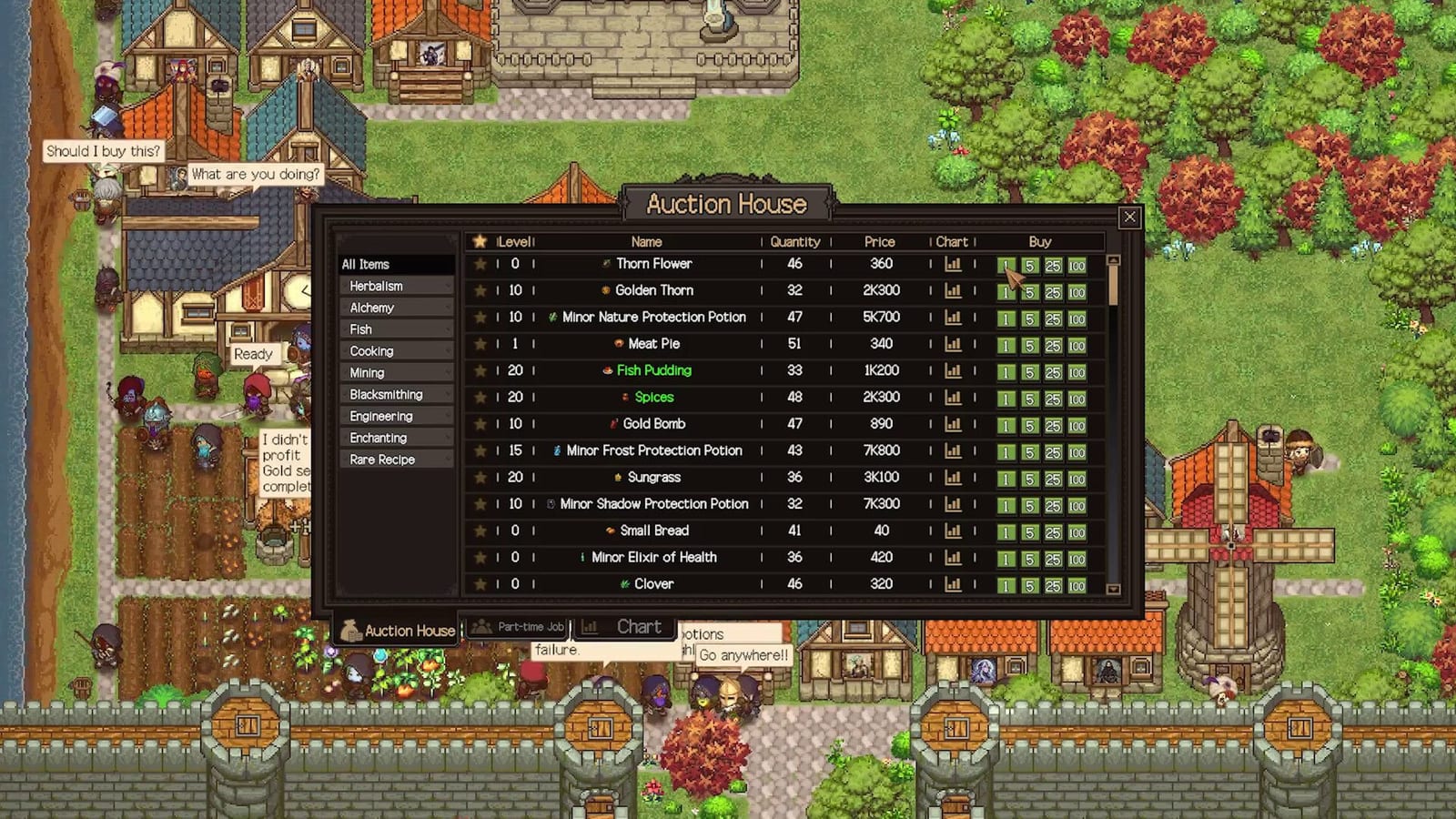 Official Steam screenshot
Three more plots and stock control in version 1.19
The town now has three additional expansion plots on the right, raising the purchasable total from seven to ten. Leave access to the new space when laying out facilities rather than assuming seven plots remain the final limit.
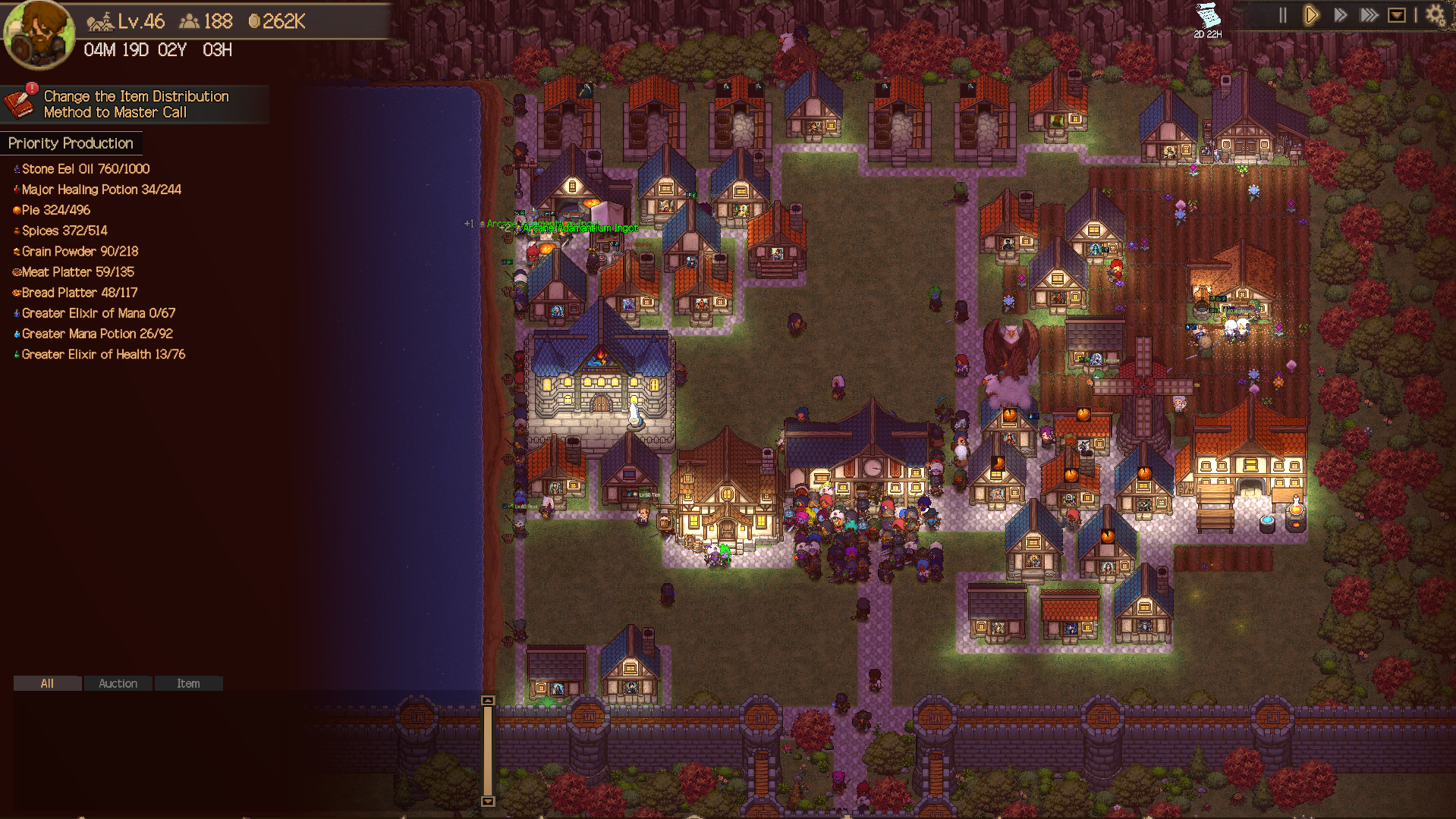
Later plot price tiers changed. If you previously bought a plot at the 250,000,000 Gold tier, the update returns 200,000,000 Gold on the first save load after updating. This is a price-difference refund for that purchase, not a repeatable income method. Additional Mine construction costs were also adjusted; use the cost shown on your current build screen.
Protect supplies before sending more goods to the market. In Production Control (X), review Sale Lock alongside stock targets. In a resource’s info window, set Keep in Stock below Owned Quantity and use Used In to see which recipes need it. A high output target does not protect ingredients from all other demand.
When using Combine Bags in the Guild Warehouse, locked equipment is now sorted across bags too, including equipment on later pages. Viewed separately, bags retain their own sorting. Check the current view before assuming a locked item disappeared.
Use three functional zones
| Zone | Put here | Reason |
|---|---|---|
| Visitor/economy spine | Auction House + clear road | Visitors need to reach it efficiently |
| Production cluster | Farm, Alchemy, Cooking, crafting buildings | Short mental loop: see shortage → produce → sell/use |
| Expansion edge | Houses + future facilities | The current rules require new land purchases to share an edge with unlocked land |
Auction House pathing is real economy
Video-backed failure condition
The tutorial footage says visitors follow village roads to the Auction House, and if the entrance is blocked or the road is too long, village income decreases. That makes road design a money mechanic, not cosmetic flavor.
How to think about market prices
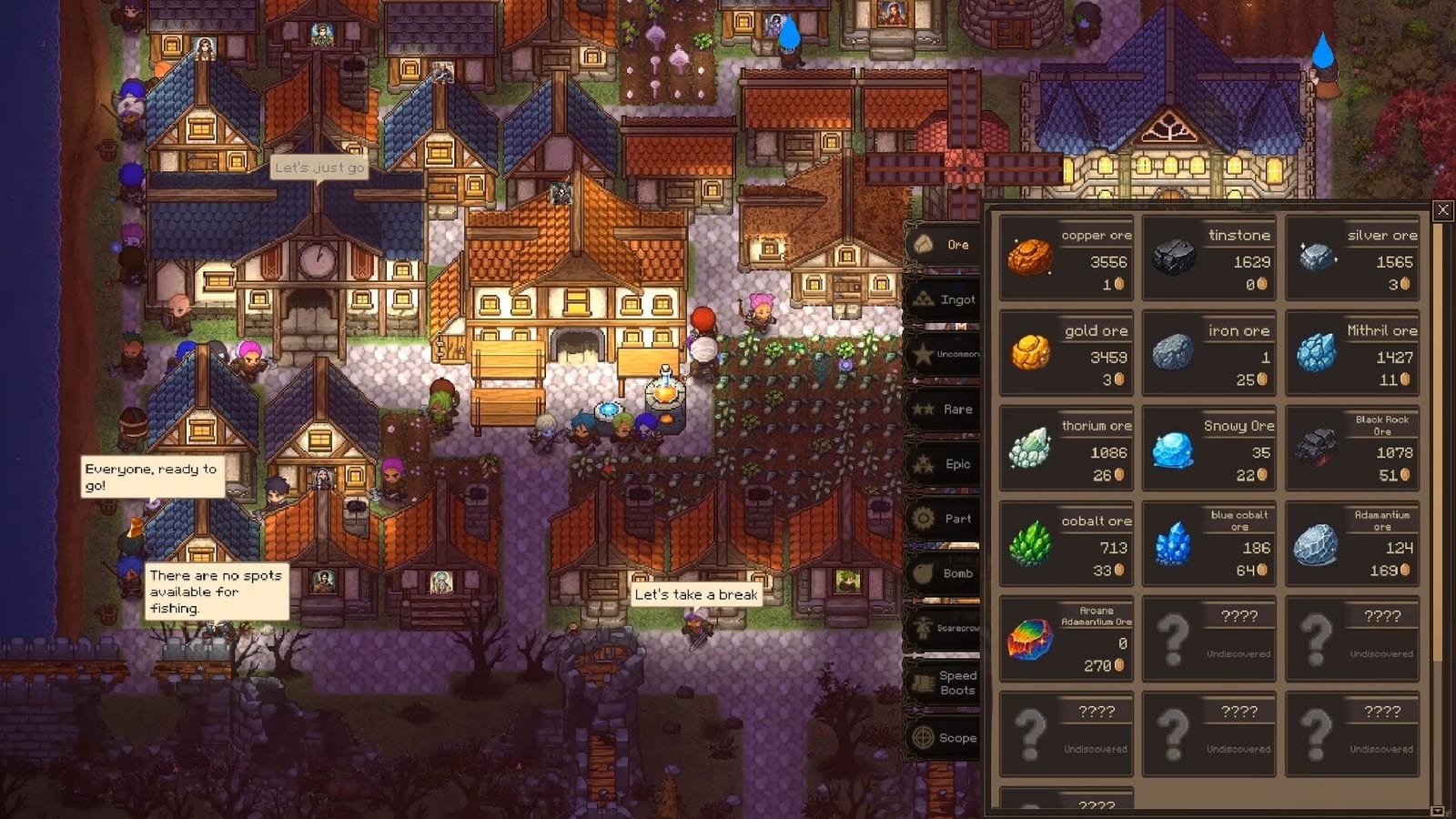
- The official store describes the Auction House as both a buy/sell market and a shortcut for urgent supplies.
- Demo V5 changed prices so purchases and sold-out items move the market more naturally.
- World Events can temporarily move prices and also affect guild mood, so stockpiles and timing can matter more than a static “best item to sell” list.
- Avoid publishing a permanent price table: it will age badly because the system is designed to move.
Layout mistakes to avoid
- Blocking the Auction House with houses or decoration.
- Using a long scenic road that costs visitor efficiency.
- Filling every tile before understanding the next unlock footprint.
- Separating production buildings so far that shortages are hard to read at a glance.
Patch 1.02 note (September 16)
The Auction House gained more detailed item categories, better enchantment market price displays, and reduced Tavern chatter in patch 1.02. The Auction House also now sorts equipment you did or did not acquire through Drop History on dungeon result screens.
Launch content (September 15, 2026)
- Patch 1.01 renamed the bottom-menu “Income” to “Auction House” — the economy hub is now explicit in the UI, so route visitors to it deliberately.
- The full release expands production into higher-tier goods; keep auction targets aimed at dungeon supplies first, luxury goods second.
Patch 1.17 note (October 8)
- The Warehouse gained a Destroy slot. Equipment placed there (or destroyed with the Delete key while hovering it) is gone, but the last piece destroyed can be taken back out and restored, so clearing junk gear no longer means losing the wrong item for good.
- Sold-out auction listings no longer swallow new listings. A bug that processed already-sold listings a second time — making fresh listings of the same item disappear — is fixed. If a listing vanished on you, that was the bug, not a market rule.
- 1.17 also cut processing load for the Auction House, raid combat, town pathfinding and Town Buff usage.
Patch 1.18 note (October 13)
- Warehouse sorting keeps locked gear with its bag. Sorting the Warehouse now keeps locked equipment together inside its original bag (or its page when using Combine Bags), so locking stays meaningful in an organised store.
- With the “Remote Extraction” Town Trait, Warehouse dismantling is instant — items and “Dismantle All” no longer wait for a member with the Enchanting profession. Clear junk right after a raid instead of scheduling it around a member.
- Two-handed comparisons now include town purchases: when a member wearing two-handed equipment obtains Main Hand or Off Hand gear, the comparison also covers buying the remaining slot’s item in town.
- Uncommon equipment bought in town had been equipping with no stats — fixed in 1.18. If a town purchase seemed to do nothing on an earlier build, update and re-equip it.